
Maximizing PS5 Battery Life in 2024: A Comprehensive Guide
Introduction
PS5 gamers know firsthand how vital battery life is to continuous gaming enjoyment. Whether you’re diving into a thrilling multiplayer battle or embarking on a solitary quest, a dying controller can break your immersion. Efficient battery management is essential to enhance your gaming sessions and minimize the need to charge frequently. This guide will share practical tips, accessory recommendations, and future advancements in PS5 battery technology.

Understanding the PS5 Battery
Grasping what influences your PS5 battery is crucial for performance optimization. The PS5 DualSense controller features an advanced lithium-ion battery celebrated for its durability. By understanding its specifications and operation, you can avert common mistakes affecting longevity.
Battery Specifications
Equipped with a 1560 mAh lithium-ion battery, the PS5 DualSense controller is designed to offer approximately 12 to 15 hours of continuous play on a full charge. However, this duration can be affected by features such as vibration, adaptive triggers, and speaker usage.
Factors Affecting Battery Life
Several factors influence how long the PS5 battery lasts per charge:
- Usage Intensity: Frequent use of haptic feedback features can reduce battery life.
- Environmental Temperature: Extreme temperatures may degrade the battery over time.
- Charging Habits: Overcharging can gradually wear down the battery’s efficiency.
Understanding these factors is key to implementing effective strategies that enhance the longevity and performance of your PS5 battery.
Tips to Extend Your PS5 Battery Life
For gamers seeking to maximize their PS5 controller’s battery life, adopting simple changes can lead to significant improvements. Here are actionable tips for better battery management.
Optimizing Controller Settings
- Reduce Vibration Intensity: While haptic feedback enhances gameplay, lowering its intensity conserves battery power.
- Lower Controller Volume: Decreasing the speaker volume helps avoid unnecessary battery drain.
- Dim Controller Lights: Adjust light settings to dim or shut off the light bars, saving power.
Charging Best Practices
- Avoid Overcharging: Unplug once the controller reaches full charge to prevent battery strain.
- Charge Regularly: Consistent charging practices maintain battery health, akin to mobile devices.
- Use Certified Chargers: Opt for Sony-approved chargers to ensure safety and compatibility.
Utilizing Power-Saving Modes
- Auto-Sleep: Set automatic power down for prolonged inactivity.
- Disable Unused Features: Turn off unused features to save energy.
Having set effective battery practices, let’s transition to exploring essential accessories that support these efforts.

Accessory Recommendations for Better Battery Life
The right accessories can play a crucial role in prolonging your PS5 battery life. Investing in quality accessories enhances your setup and helps minimize interruptions.
Efficient Charging Docks
Charging docks allow simultaneous charging of multiple controllers. Consider these options:
- Official Sony DualSense Charging Station: Specifically designed for PS5, offering optimal compatibility and efficiency.
- Third-Party Docks: Consider well-reviewed third-party brands offering additional features.
Replacement Battery Packs
For those who find the standard battery insufficient, a larger capacity battery offers a suitable alternative. Ensure compatibility with PS5 to avoid potential issues.
With accessories covered, let us examine the impact of software updates on battery life.
The Impact of Software Updates on Battery Life
Software updates not only enhance user experience but also impact battery performance. Keeping your PS5 updated ensures optimal efficiency and extends battery life.
Importance of Keeping System Updated
- Enhanced Performance: Updates often introduce more efficient energy-saving measures.
- Bug Fixes: Fixes resolve issues that may impact battery performance.
- New Settings: Updated software can offer new settings to better regulate power use.
Having assessed the impact of software, let’s dismiss some prevalent myths surrounding PS5 battery life.
Debunking Common Myths About PS5 Battery Life
Several misconceptions surround the PS5 battery life. Let’s clarify:
- Myth: Overcharging instantly damages the battery.
-
Fact: Continuous overcharging can degrade the battery over time, but not immediately.
-
Myth: Third-party chargers harm battery life.
-
Fact: High-quality third-party chargers are generally safe.
-
Myth: Charging continuously while playing improves battery life.
- Fact: It can reduce battery efficiency; charge only when necessary.
Let us now look towards the future of PS5 battery technology and its potential improvements.
Looking Ahead: Future of PS5 Batteries
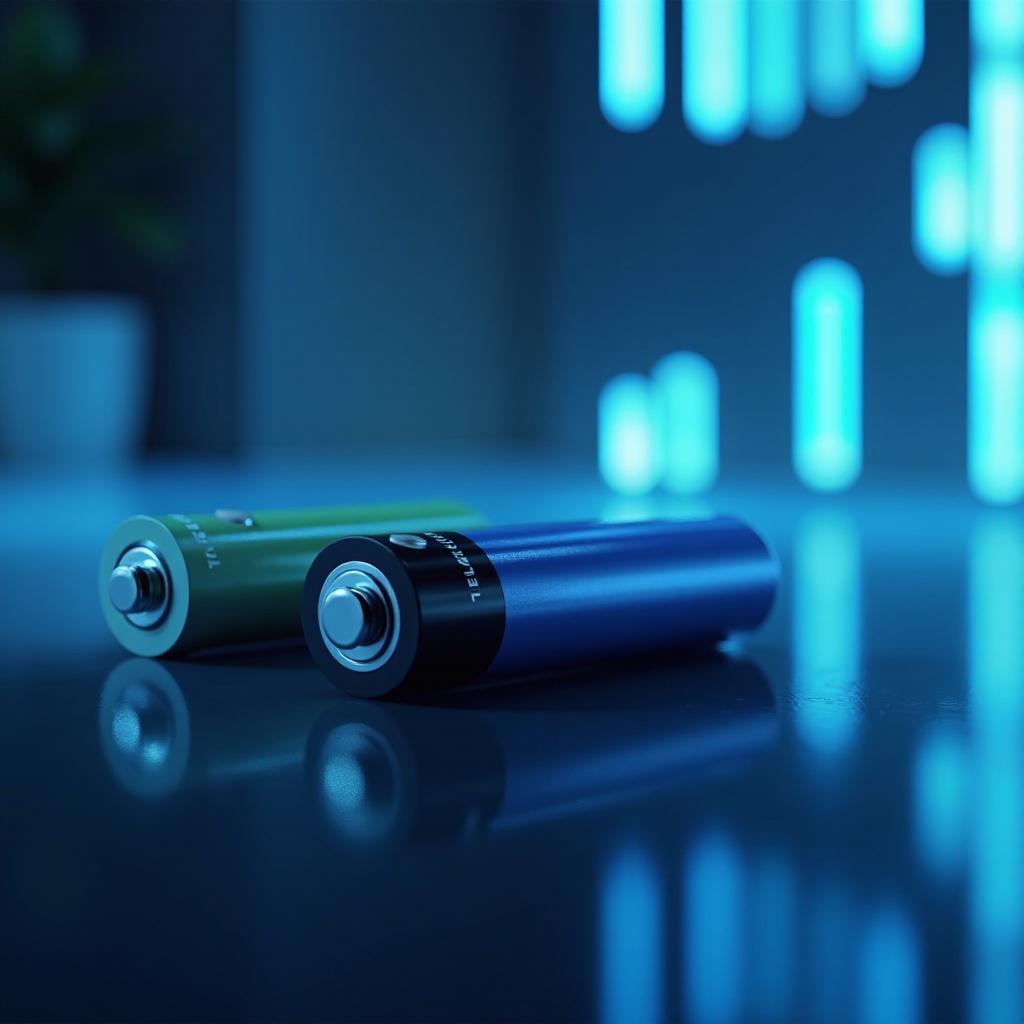
As technology evolves, batteries are expected to offer improved performance and sustainability. Potential advancements include:
- New Materials: Solid-state technology promises longer life and faster charging.
- Software Improvements: Ongoing software enhancements can further optimize battery management.
- Sustainable Options: A shift toward eco-friendly manufacturing meets growing consumer demand.
Conclusion
Extending your PS5 battery life is achievable through an understanding of influencing factors, proactive strategies, and anticipation of future advancements. By optimizing settings, utilizing compatible accessories, and keeping your system updated, you can significantly enhance your gaming experience while maintaining battery health, ensuring your gaming sessions remain uninterrupted.
Frequently Asked Questions
How long does the PS5 controller battery last on a single charge?
Depending on usage factors, a fully charged PS5 controller typically lasts 12 to 15 hours.
What are the best practices to maintain battery health?
Optimize controller settings, avoid overcharging, and use certified accessories to maintain battery performance.
Are there any official Sony accessories for extended battery life?
The Sony DualSense Charging Station is an official accessory designed to maintain and protect PS5 controller battery health.