
Everything You Need to Know About Motherboards with TPM 2.0
Introduction
Cyber threats are a prevalent concern, making it vital to secure your computer systems effectively. Trusted Platform Module (TPM) 2.0 is a hardware-based security measure embedded within many modern motherboards to secure digital information robustly. As technology advances, TPM 2.0 becomes increasingly important in protecting against unauthorized access and maintaining data integrity. This comprehensive guide will delve into the critical aspects of motherboards equipped with TPM 2.0, helping you identify and choose the right option for optimal security and performance.
Understanding TPM 2.0
What is TPM 2.0?
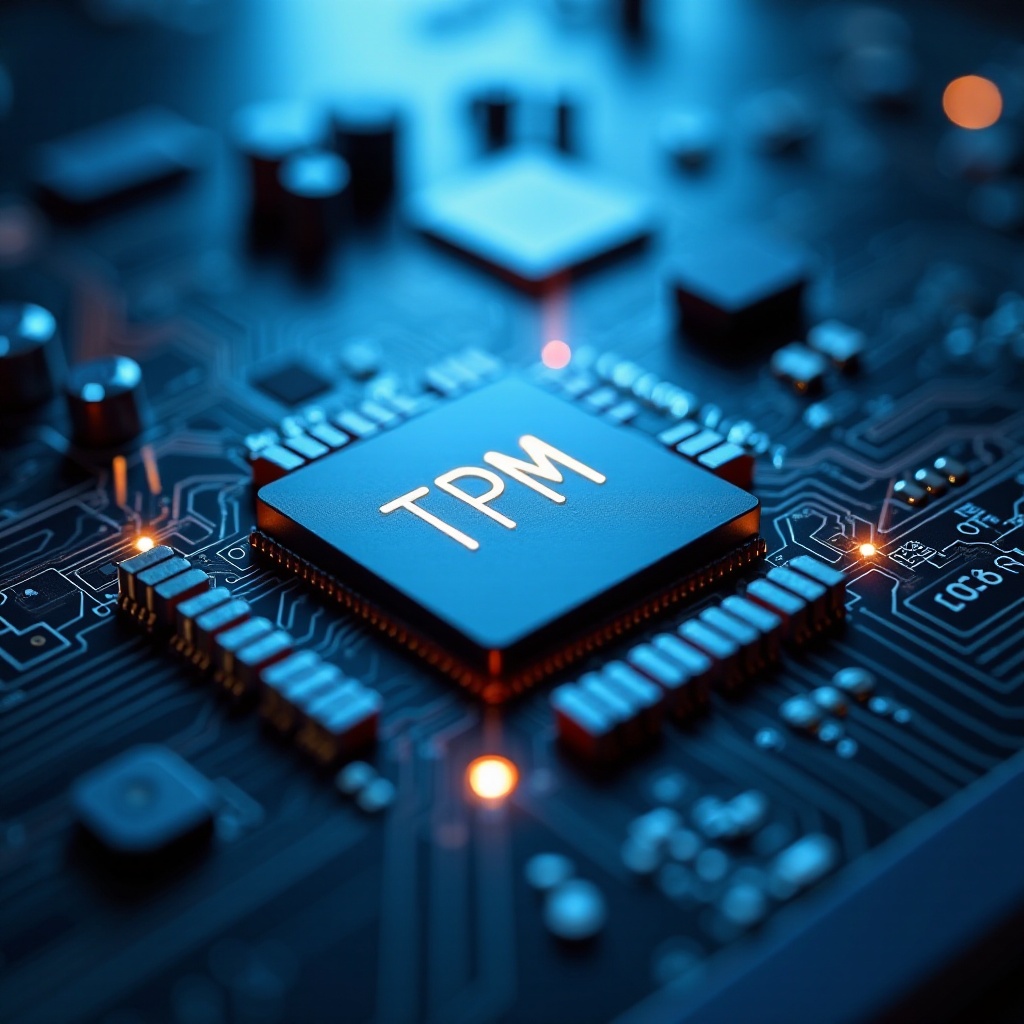
TPM 2.0, or Trusted Platform Module version 2.0, is a microchip designed to provide advanced security capabilities to computing devices. It manages cryptographic keys and secures digital signatures while offering an enhanced level of protection compared to software-based security solutions. Situated directly on the motherboard, TPM 2.0 assists in various security functions, including drive encryption and secure booting processes.
Key Differences Between TPM 1.2 and TPM 2.0
The primary enhancements in TPM 2.0 over its predecessor, TPM 1.2, lie in its flexibility and expanded cryptographic support. TPM 2.0 supports advanced algorithms like ECC (Elliptic Curve Cryptography), offering more robust security for future computing needs. Unlike TPM 1.2, TPM 2.0 provides a more adaptable framework for developers to customize security solutions, ensuring broader compatibility and scalability. These advancements make TPM 2.0 the ideal choice for both current and future motherboard implementations.
The Importance of TPM 2.0 in Modern Computing
Security Benefits
TPM 2.0 offers a multitude of security advantages, making it indispensable for personal and professional devices. By enabling hardware-based encryption, TPM 2.0 ensures stronger protection against potential attacks than software-based alternatives. Additionally, it secures the boot process, preventing unauthorized alterations to the system’s start-up sequence. With TPM 2.0, sensitive information, such as cryptographic keys and digital certificates, remains safe from unauthorized access or manipulation.
Applications in Data Protection
Beyond standard security measures, TPM 2.0 is instrumental in data protection applications like digital rights management and the safeguarding of intellectual property. Organizations benefit significantly from TPM 2.0 as it allows the enforcement of strict security protocols across devices, simplifying compliance with data protection regulations. By offering robust encryption capabilities, TPM 2.0 ensures enterprises can maintain data integrity and avoid hefty penalties while preserving their reputations.
Choosing the Right Motherboard with TPM 2.0
Features to Look For
Selecting a motherboard equipped with TPM 2.0 requires consideration of features that match your computing requirements. Prioritize motherboards supporting the latest CPUs and offering ample memory slots, alongside high-speed connectivity options such as USB-C and Thunderbolt ports. Compatibility with current hardware components and operating systems is crucial to avoid installation challenges, and ensure your motherboard supports future upgrades for extending the system’s lifespan.
Consumer vs. Enterprise Motherboards
Consumer motherboards with TPM 2.0 are designed to offer a balance between performance and cost-efficiency, suitable for gamers and home users seeking reliable security. In contrast, enterprise motherboards cater to businesses demanding scalability and enhanced functionality. These boards support multi-GPU setups, additional network interfaces, and various management tools. Choose an enterprise motherboard if managing multiple workstations or extensive applications requiring superior security and processing power.
Future-Proofing Your System
Investing in a motherboard with TPM 2.0 contributes to future-proofing your computer system. As security demands grow, TPM 2.0 resources ensure protection against emerging threats. Consider motherboards with PCIe 4.0 or 5.0 slots for superior data transfer rates, preparing your system for advancements in graphics and storage technology. Future-proofing offers long-term security and reliability in a rapidly evolving technological landscape.
Top Motherboards with TPM 2.0 in 2024
Best for Gaming
For gamers, a motherboard that supports high-performance graphics and rapid processing is essential. The ASUS ROG Strix Z790-E is an excellent choice, offering robust overclocking capabilities and seamless GPU integration. With TPM 2.0, gamers can enjoy secure online experiences without compromising speed or graphics fidelity.
Ideal for Business
Business users should consider the MSI PRO Z690-A motherboard for a balance between cost and efficient performance. It features multiple PCIe slots for expandability, robust networking capabilities, and integrates TPM 2.0 for reliable operations. Ideal for small to medium-sized enterprises, it offers dependable performance with heightened security.
Budget-Friendly Options
Those on a budget might explore the Gigabyte B650M DS3H, a cost-effective motherboard offering essential functionalities. Supported by TPM 2.0, it assures enhanced security even for budget-conscious users. Perfect for daily computing tasks, the Gigabyte B650M DS3H maintains quality and efficiency without breaking the bank.
Installing and Enabling TPM 2.0 on Your Motherboard
Step-by-Step Guide
- Power off your computer and open the case to access the motherboard.
- Locate the TPM 2.0 module header. For integrated TPM, proceed with BIOS configuration.
- If applicable, align and insert the external TPM module into the designated header.
- Close your computer case and power on your system.
- Enter BIOS/UEFI settings during boot (usually by pressing F2, DEL, or ESC).
- Navigate to security settings and enable TPM 2.0.
- Save changes and exit BIOS/UEFI setup. Your TPM 2.0 should now be active.
Troubleshooting Common Issues
Should you face issues enabling TPM 2.0, ensure BIOS/UEFI firmware is up-to-date. Verify the connections of external TPM modules and confirm installation orientation correctness. For persistent problems, consult your motherboard’s user manual or contact the manufacturer’s support for assistance.
Conclusion
Integrating TPM 2.0 into modern motherboards highlights its role as a critical component for secure computing. Whether safeguarding personal data or enforcing enterprise-level security, TPM 2.0 provides the tools needed to protect sensitive information. By investing in a motherboard with TPM 2.0, you not only secure your data but also prepare your system for future cybersecurity challenges.
Frequently Asked Questions
Can I add TPM 2.0 to my current motherboard?
Yes, if your motherboard has a TPM header, you can purchase and install a compatible TPM 2.0 module. Check your motherboard’s specifications for compatibility.
How does TPM 2.0 enhance Windows security features?
TPM 2.0 enhances Windows security by enabling BitLocker encryption, supporting secure boot, and protecting login credentials, reducing unauthorized access risks.
Is TPM 2.0 necessary for running certain software applications?
Certain applications, especially those requiring strong encryption and identity management, may require TPM 2.0. Verify software requirements individually to determine necessity.